
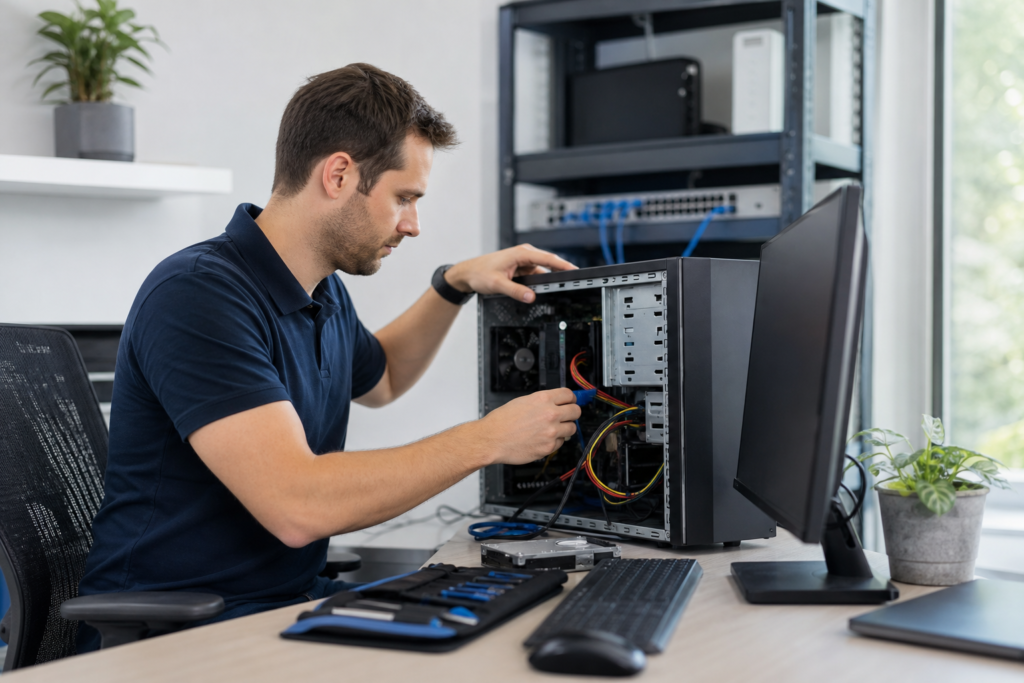
A computer technician installs, configures, repairs and troubleshoots computers, software, networks and connected equipment. On-site help is the better fit when the problem involves physical hardware, cabling, printers, Wi-Fi dead zones, device deployment or a workplace that needs hands-on support. In Melbourne, TechMate supports homes, businesses and MSPs with upfront quoting and service options matched to the job.
What a computer technician can do

A computer technician provides practical technical support across devices, software and the connections between them. The work can include investigating faults, installing or removing hardware and software, configuring systems and explaining the result in plain English.
In Australia, “Computer Technician” remains a recognised ICT support occupation. The Australian Signals Directorate describes related technician work as including technical support, assessment, investigation and the installation or removal of hardware, software and associated connections. The ASD’s ICT career guidance covers these responsibilities, while current ICT support classifications include Computer Technician and ICT Support Technician.
For a household, that may mean fixing a slow computer, setting up a new laptop, removing malware, connecting a printer or improving Wi-Fi coverage. For a business, the same practical skills can extend to office networks, software configuration, backups, workstation deployment and server-related tasks.
Here is how common requests map to technician work:
| Problem or project | What the technician may do | When on-site help is useful |
|---|---|---|
| Computer will not start or is running slowly | Check hardware, power, storage, software, updates and performance causes | The fault is intermittent, the device cannot be transported easily or several devices are affected |
| New computer or peripheral | Install, configure and test a computer, monitor, printer, scanner or other device | Cables, drivers, user profiles or shared access need to work together at the site |
| Wi-Fi or network problem | Investigate dropouts, dead zones, cabling, network equipment and device connections | The issue depends on the building, room, access point position or physical network |
| Backup or recovery concern | Review backup arrangements, configure backup tasks or assist with recovery work | Storage devices, servers or local equipment require physical access |
| Business device rollout | Prepare workstations, image devices, install software and connect users to business systems | Several devices must be deployed consistently with minimal workplace disruption |
| Cloud or account setup | Configure Microsoft 365 or Google Workspace access, applications and user devices | Users, computers and local network equipment need to be coordinated during the change |
TechMate’s verified on-site scope includes hardware installation, network troubleshooting, software configuration, backup assistance and field technician work for MSPs.
When on-site computer help makes more sense than remote support
On-site support is the better fit when someone needs to inspect, move, connect or test equipment in the real environment. A remote session can change settings, install software or investigate many account problems, but it cannot see a loose cable, a faulty power adapter or a Wi-Fi dead zone in the next room.
| Situation | Best starting point | Why |
|---|---|---|
| A computer, monitor, printer, network device or power connection has a physical fault | On-site support | The equipment and connections need direct inspection |
| The problem changes by room, location or distance from the router | On-site support | Cabling, placement and coverage affect the result |
| Several computers, printers or users are affected | On-site support | A shared local cause may be easier to identify at the site |
| Devices need unpacking, imaging, installation, labelling, connection and testing | On-site support | The work must be completed consistently where the devices will operate |
| Racks, patch panels, servers or local connections need attention | On-site support | Physical access is required |
| The device is online and the issue is contained to software or an account | Remote support | No physical inspection is needed |
A hybrid approach is often the most efficient option. A technician may complete the physical work at the site while an internal IT team or MSP handles account permissions, wider configuration and ongoing monitoring.
Choose the right support path for your situation
Home and personal IT support
Home support suits an individual, family, senior or home office that needs help with computers, Wi-Fi, printers, smart devices, backups or malware concerns. It is the right starting point when you want one person to inspect the setup, fix the immediate issue and explain what changed without technical jargon.
For a Melbourne household or small workplace that needs a technician visit, Book an IT Technician Melbourne is the relevant booking option. The listed price is $150, and the contact page says enquiries receive a response within two business hours. Home support itself starts from $99, with the final price depending on the type and complexity of the work.
Small-business and medium-business support
Business support fits a workplace where an outage affects staff, customers or daily operations. Common technician tasks include office network troubleshooting, software configuration, backup assistance, workstation deployment, hardware installation and server-related work.
Choose business IT support when the task involves several users, shared systems, business continuity or documented work. A business engagement may be billed hourly, scheduled through an agreed support arrangement or scoped as a project.
White-label MSP field support
MSPs need a different type of technician relationship. The field technician works under the MSP’s brand, follows its communication rules and returns notes through the existing RMM, PSA or ticketing workflow. Source: National Training Register – ICA40111 Certificate IV in Information Technology.
MSP Field Technician Support Melbourne suits an MSP that needs local capacity for hardware installation, network troubleshooting, cabling and patch-panel work, workstation imaging, server deployment, backup tasks, server-room work or break/fix visits. TechMate lists MSP partner support at $150 per hour and makes a two-hour response SLA available for partners where that arrangement is agreed.
How computer technician pricing works
Computer technician pricing usually depends on whether the work is simple and predictable, complex and diagnostic, or part of a larger project. A flat rate can suit a defined home job, hourly billing can suit investigation and repair, and a custom quote is more appropriate for deployments, migrations or infrastructure changes.
| Work type | Pricing approach | TechMate example |
|---|---|---|
| Simple home repair or setup | Flat rate or quoted per job | Home support starts from $99 |
| Complex small-business troubleshooting | Hourly support or an assessment before work begins | Price is confirmed for the job or engagement |
| MSP field work | Fixed hourly partner rate, with engagement terms agreed in advance | MSP partner support starts from $150 per hour |
| Deployment, migration or infrastructure project | Custom scope and project quote | Price depends on devices, locations, access requirements and deliverables |
These are starting points, not a promise that every job has the same price. Travel outside the standard service area, project work and complex diagnosis can change the total. Reviewing computer technician rates and IT support pricing before booking helps you compare the billing model, response option and included reporting.
TechMate lists upfront pricing and a no-fix-no-fee arrangement for eligible standard repair and troubleshooting work. That arrangement does not apply universally, including to every project, retainer or MSP partner engagement, so ask which terms apply to your job before work begins.
How to prepare for a computer technician visit
A technician can work more efficiently when the symptom, affected equipment and desired result are clear. Preparation also prevents a visit from solving only the most visible part of a wider problem.
- Write down the symptom: record what happens, when it started and whether the issue is constant or intermittent.
- List the affected equipment: include computer models if known, monitors, printers, routers, access points and the users affected.
- Capture useful evidence: photograph an error message, cable layout or warning light if it is safe and practical to do so.
- Describe the desired outcome: say whether you need a repair, a replacement recommendation, a working backup, better Wi-Fi coverage or a ready-to-use workstation.
- Arrange access: provide access to the room, power points, network equipment and relevant workspace. Tell the provider about building access restrictions.
- Note deadlines: mention a staff start date, office move, trading period or other time constraint before the appointment is confirmed.
- Share process requirements: businesses and MSPs should identify required ticket fields, approval steps, site procedures and the RMM, PSA or ticketing platform in use.
A useful visit should end with a clear diagnosis or agreed work completed, an explanation of the result and job notes that record what was done. For a business, those notes can also identify follow-up work, risks or decisions that need an owner.
Questions to ask before you book a computer technician
Ask questions that test the provider’s fit for your actual problem, not just whether it claims to offer “computer repairs.” A suitable provider should explain the scope, pricing method, response expectation and handover process in plain language.
- Can you handle this specific task? Confirm whether the work involves repair, network troubleshooting, backup, Microsoft 365, deployment, cabling or server equipment.
- Do you come to my home or workplace? Confirm the service area and whether the problem requires an on-site visit.
- What response window applies? Ask whether the booking is priority, scheduled or subject to an agreed SLA.
- Will I receive the price before work starts? Clarify whether the job is flat-rate, hourly or quoted as a project.
- What reporting is included? Businesses and MSPs should ask for job notes, photos where useful, sign-off and follow-up recommendations.
- Is the technician insured? This matters when work involves business premises, equipment, cabling or server-room access.
- What does the guarantee cover? Ask whether a no-fix-no-fee arrangement applies to this particular job.
- Can you work with our tools and procedures? MSPs should confirm compatibility with existing RMM, PSA and ticketing workflows.
TechMate’s listed service area is Melbourne metro and surrounds, and the business also serves customers in Geelong. Its published hours are Monday to Saturday, 8am to 6pm Melbourne time, and it is closed on Sundays.
What happens after you contact a technician?
After you submit an enquiry, the provider should clarify the symptoms, location, affected equipment and desired outcome before confirming the most suitable service. TechMate’s contact page states that enquiries receive a response within two business hours.
- Enquiry: you describe the issue, site and preferred timing.
- Scope clarification: the technician identifies whether the job is a repair, setup, assessment or project.
- Quote or assessment: you receive the relevant price or an explanation of why an assessment is needed.
- Appointment confirmation: access, equipment, contacts and site procedures are agreed.
- On-site work: the technician diagnoses the cause, completes the agreed work and identifies anything outside the original scope.
- Handover: you receive an explanation of the result, relevant recommendations and job notes.
The enquiry response time is not the same as a guaranteed arrival time. Visit availability depends on the service type and booking terms, which should be confirmed before the appointment.
Frequently asked questions about computer technicians
Can a computer technician come to my home in Melbourne?
Yes. TechMate provides on-site home IT support across Melbourne metro and surrounds. A home visit can cover computer setup, slow performance, Wi-Fi, printers, malware concerns, backups and connected devices, subject to the agreed service and booking terms.
Is a computer technician different from an IT support technician?
The titles overlap. A computer technician often suggests hands-on device, software and connection work, while an IT support technician may also provide helpdesk, systems and user support. The practical difference is the provider’s scope, tools and delivery method, not the title alone.
Should I repair my computer or replace it?
Repair is usually worth investigating when the fault is software-related, the device is otherwise suitable and the repair cost is well below the price of a replacement. Replacement can make more sense when the device has repeated hardware failures, cannot run the software you need or needs several expensive components at once.
A technician can assess the fault, explain the likely repair cost and identify whether an upgrade or replacement is the more sensible outcome. The decision should account for data transfer, setup time, compatibility and the disruption of moving to a new device, not only the repair invoice.
Can a computer technician help with Microsoft 365 or Google Workspace?
Yes. A technician can assist with account and application configuration, user devices, email, Teams, SharePoint, OneDrive or Google Workspace setup as part of an agreed support task. Larger migrations require a defined plan covering users, data, permissions, devices and testing.
What is a computer technician course?
A computer technician course develops practical ICT support skills such as hardware, software, troubleshooting and user support. There is no single course that every technician must complete, and a specific qualification is not automatically mandatory for every service job.
In Australia, the National Training Register identifies ICT support occupations including Computer Technician and ICT Support Technician in connection with ICT support services. The appropriate training depends on the work, employer and level of technical responsibility.
What should I tell a computer technician before a visit?
Tell them what failed, when it began, which devices and users are affected, what outcome you need, where the equipment is located and whether there is a deadline. Include error messages, access restrictions and any existing MSP tools or site procedures that the technician must follow.
If you need a technician to inspect a home setup, workplace device, network or deployment requirement, describe the equipment, fault and desired outcome when booking. TechMate IT Support provides hands-on assistance for homes, businesses and MSPs. You can book a Melbourne technician visit through the contact page.